Building a Homelab Server
Updated 2026-09-24
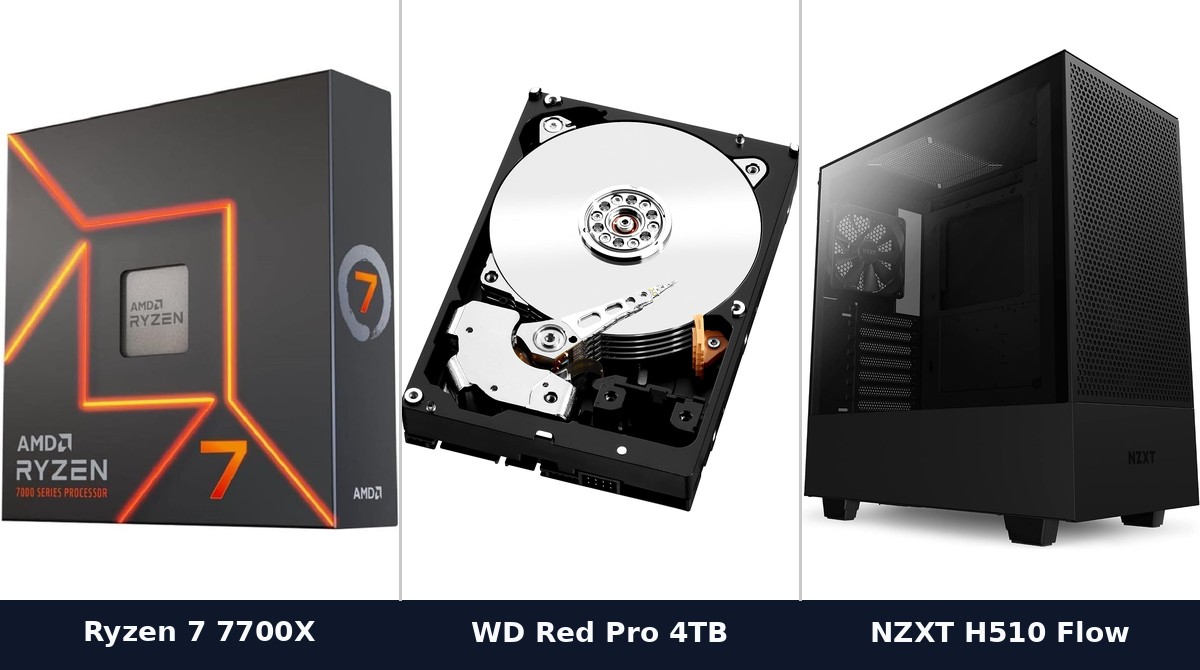
A homelab server is the one machine in your house that never turns off. Every design decision follows from that, and it’s why copying a desktop build for this job produces something you end up resenting.
Peak performance is close to irrelevant. What matters is how the machine behaves during the 95% of its life when it’s doing almost nothing.
Idle power is the whole ballgame
A desktop’s power draw under load is the number everyone quotes. For a server it’s nearly meaningless, because your server is idle almost always.
The figure that determines your electricity bill is idle draw, and it varies enormously between builds that look similar on paper. A platform that idles low will cost you a fraction of one that idles high, compounded over every hour of every day for years. That difference will comfortably exceed the price gap between the parts.
This has a practical consequence people find counterintuitive: the most powerful components are often the wrong choice even when you can afford them, because a chip that idles high is a chip you pay for continuously in exchange for performance you use occasionally.
Look for platforms with good idle behavior and effective low-power states, and be skeptical of anything server-grade secondhand on this specific dimension. Enterprise hardware is often cheap to buy precisely because it was designed for datacenters where idle efficiency didn’t matter and electricity was somebody else’s line item.
Noise, because it lives with you
The second thing that makes a homelab unpleasant is the sound. A rack server in a basement is fine; the same machine in a home office is not, and 40mm fans screaming at a constant pitch is a sound you will grow to hate.
Build it like a quiet desktop. A large case with slow-moving big fans moves the same air far more quietly than small fans spinning fast. A generously sized cooler running slowly beats a small one working hard. Our silent fan curves guide covers tuning the behavior once it’s assembled.
Spinning hard disks make noise too, and several of them make noticeably more. If the machine sits anywhere you work, that’s worth planning around.
Memory over processor
Most homelab workloads (containers, virtual machines, network services, a media server) are constrained by memory far more often than by CPU.
A dozen idle containers consume very little processor time and a meaningful amount of memory each. Virtual machines reserve memory whether they’re busy or not. The practical limit on how much you can run is almost always RAM, and the symptom of running out is the machine becoming unusable rather than merely slow.
So bias the budget toward memory capacity, get a board that lets you add more later, and buy a modest processor with good idle characteristics. ECC memory is genuinely valuable if you’re storing data you care about, since it catches the corruption you’d otherwise never notice, but it constrains your platform choice, so decide early rather than discovering the limitation afterward.
Storage, and the part people get wrong
Separate the system drive from the data drives. A small SSD for the operating system and containers, and separate drives for bulk storage. This makes rebuilding the machine straightforward instead of frightening.
For the data itself, redundancy protects against a drive failing. It does not protect against deleting the wrong thing, a filesystem bug, ransomware, or the machine being stolen. RAID is not a backup, and the number of homelabs running redundant arrays with no actual backup is high. If the data matters, it needs a copy somewhere else.
Plan capacity beyond what you need now. Adding drives later is usually possible, and usually more annoying than buying the larger drive initially.
What you don’t need
A graphics card, unless you’re specifically doing transcoding or running local AI models. Many processors include integrated graphics sufficient for hardware transcoding, which covers the most common reason people think they need a card.
Rack mounting, unless you have a rack and somewhere to put it. A regular tower case is quieter, cheaper, better ventilated and easier to work in.
The newest platform. This is one of the few builds where last generation’s parts are often the smarter purchase, because you’re buying capacity and reliability rather than speed.
Before you build
Be honest about what you’ll actually run. Homelabs are frequently over-specified for workloads that never materialize, and an over-specified always-on machine costs you money every hour indefinitely.
Start smaller than feels right. Adding memory or drives later is easy, and you’ll know much more about your real requirements after six months than you do now. If Kubernetes is part of the plan, our Kubernetes at home guide argues for restraint there too, and do you actually need Kubernetes is worth reading before committing to it at all.
☕ Coffee Corner
Compiling, deploying, or waiting on a render? Here's what to brew while you wait.



🏠 Smart Home Picks
Same hobbyist care applied to your network and your front door.

