Running Kubernetes in a Homelab (And Whether You Should)
Updated 2026-09-24
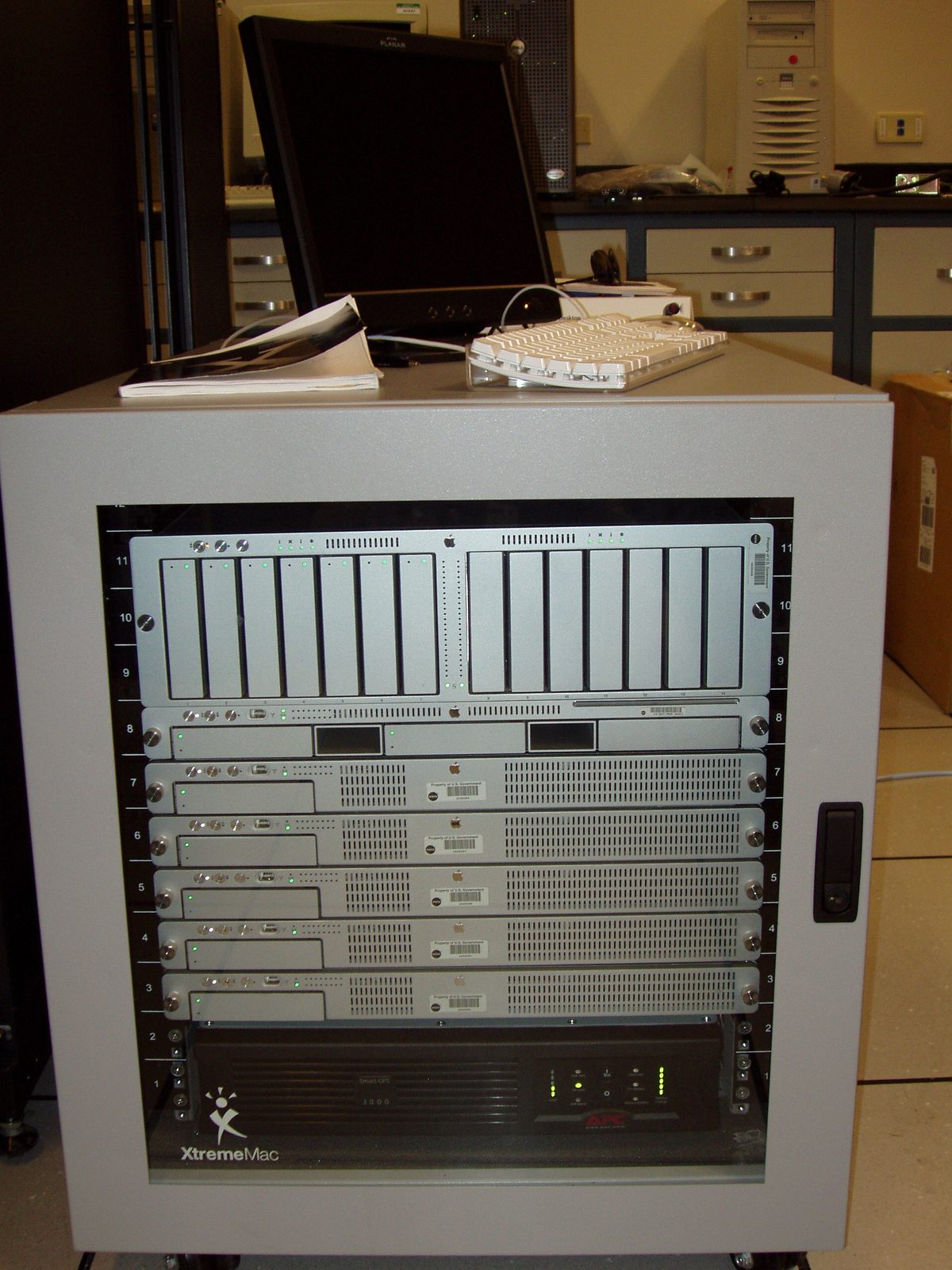
Most homelab Kubernetes clusters exist because their owner wanted to learn Kubernetes, not because anything needed orchestrating. That’s a completely valid reason, and it’s worth being honest about it up front, because it changes what you should build.
If the goal is learning, build the fiddly thing. If the goal is hosting Plex and a couple of databases, Docker Compose will do that on one machine with a fraction of the maintenance, and nobody will ever know.
The case against, first
Kubernetes solves problems you probably don’t have at home: scheduling workloads across machines that fail independently, rolling out changes without downtime, and scaling services based on load. A single box running Compose has none of those problems because there’s nothing to schedule and nothing to scale.
What you get instead is a control plane to keep alive, certificates that expire, a networking layer with opinions, and an upgrade cadence that does not care about your weekend.
The honest test: if your cluster goes down and the only person inconvenienced is you, Compose is the better tool. Run Kubernetes at home because you want to understand it, which is a good reason on its own.
Hardware that actually works
Three nodes is the usual advice and it’s mostly about etcd, which wants an odd number of members to establish a quorum. One node works fine for learning. Two is the worst of both worlds: you get the complexity of a cluster with none of the availability.
Mini PCs have quietly become the sensible choice over Raspberry Pis. The Pi route looks cheaper until you add storage, power supplies and a switch, and then you discover that a lot of container images either don’t publish arm64 builds or publish ones that lag the amd64 release. Refurbished small-form office desktops cost about the same all-in, run x86, and have SATA ports.
Memory matters more than cores. The control plane and system pods consume a meaningful baseline before you deploy anything of your own, and it’s memory they take, not CPU. A node that’s idle at 60% RAM before you’ve scheduled a single workload is normal and surprises people.
Run the OS from an SSD, not an SD card. etcd writes constantly, and SD cards respond to constant writes by dying silently, which produces a cluster that behaves strangely for a week before anyone works out why.
Pick a small distribution
Full upstream Kubernetes is not what you want on a home cluster. K3s strips out the cloud provider integrations and alpha features you’ll never use, ships as a single binary, and brings its own lightweight datastore so you aren’t running etcd unless you ask for it. MicroK8s is the comparable option if you’re already in the Ubuntu ecosystem.
Either gets you a working cluster in minutes rather than an afternoon. The learning is not in the installation, and doing it the hard way teaches you about the installer rather than about Kubernetes.
Networking is the part that actually hurts
Everything else is a solved problem. This isn’t.
LoadBalancer services have nothing to bind to. In a cloud, type: LoadBalancer provisions a real load balancer. At home there’s nothing to
provision, so the service sits in Pending forever looking like a bug.
MetalLB fills that gap by handing out addresses from a pool you define on your
LAN. Reserve that range in your router’s DHCP settings first, or you will
eventually get an address conflict that takes an evening to diagnose.
ClusterIP is the right default anyway. Most services only need to be reachable by other services in the cluster, and ClusterIP does that without touching your network at all. Reach for NodePort or LoadBalancer only when something outside the cluster genuinely needs in.
One Ingress controller, not a LoadBalancer per service. An address per service exhausts your pool and makes certificates tedious. A single Ingress controller on one address, routing by hostname, is both simpler and closer to how you’d do it in production.
Split DNS is the thing nobody mentions. Once services are reachable at real hostnames, you want those names to resolve to the cluster from inside your network and not leak outside it. Without it you end up hairpinning through your router, which works until it doesn’t.
Storage, briefly
The default assumption in Kubernetes is that storage is somewhere else and nodes are disposable. At home, storage is usually a disk in the machine you’re standing next to.
local-path-provisioner ships with K3s and writes to a directory on whichever
node the pod landed on. That’s fine, with one catch worth understanding
early: the data is tied to that node. If the pod reschedules elsewhere, it
does not find its files. For a homelab that’s usually acceptable; just don’t
be surprised by it later.
If you want volumes that follow pods between nodes, Longhorn does that and is the common choice. It also wants real network bandwidth between nodes, so gigabit at minimum.
Docker settings worth changing
Whether or not you end up on Kubernetes, two defaults cause most homelab container problems.
Logs grow without limit by default. A chatty container will fill the disk over weeks, and the failure looks like the whole machine breaking rather than one container misbehaving. Set a log driver with rotation in the daemon config before you need it.
Nothing cleans up after itself. Old images, stopped containers and dangling
volumes accumulate until the disk is full. A periodic prune is the fix, but
read what it deletes first. docker system prune -a is more aggressive than
people expect about images nothing is currently running.
If you’re just starting
Single K3s node on a mini PC with an SSD. Deploy something you actually use so
that breaking it has consequences. Add MetalLB and an Ingress controller when
you get bored of kubectl port-forward, because that’s the point at which the
networking finally makes sense.
Add a second and third node when you want to watch a pod move, which is the moment the whole thing clicks. Not before. A multi-node cluster you don’t understand is just three ways for the same thing to break.
☕ Coffee Corner
Compiling, deploying, or waiting on a render? Here's what to brew while you wait.



🏠 Smart Home Picks
Same hobbyist care applied to your network and your front door.

