Building a Workstation for Creative Work
Updated 2026-09-24
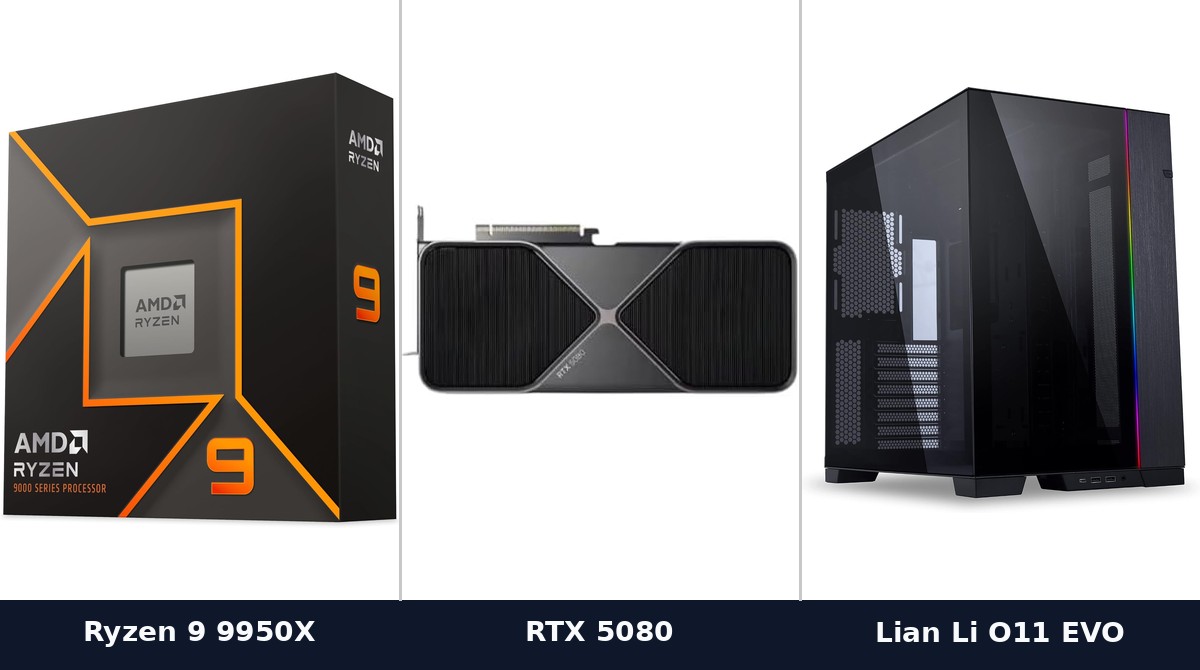
A gaming PC and a workstation at the same price should not contain the same parts. That sounds obvious written down, and it is routinely ignored, because most build advice on the internet is gaming advice wearing a different hat.
The difference comes down to what you’re waiting for. Games ask for frames now, continuously, from the graphics card. Creative work asks you to wait: for an export, a render, a preview to catch up. The components that shorten those waits are not the ones that raise frame rates.
Cores matter here, unlike in games
This is the single biggest inversion. Games lean on a handful of threads and stop scaling quickly, which is why a mid-tier gaming chip beats a flagship so often on value. Encoding, rendering, compiling and most export pipelines do the opposite: they split across every core you give them.
So the processor that would be a waste in a gaming build is the correct purchase here. Buy cores, and buy the platform that lets you keep them fed.
The caveat worth knowing: not everything in a creative application is parallel. Timeline scrubbing, preview responsiveness and many single-clip effects lean on single-thread speed, so a chip with terrible per-core performance and many cores will feel sluggish while exporting quickly. You want both, which is what the high-core-count desktop parts actually deliver.
Memory is where creative builds are usually under-specified
Gaming has a comfortable memory ceiling that’s been stable for years. Creative work doesn’t, because your project size sets the requirement rather than a game developer’s target spec.
The failure mode is also different and much worse. A game short on memory runs slower. An editing or 3D application short on memory starts swapping to disk, and the machine goes from working to unusable, or the application simply refuses to open the project. This is the most common reason a perfectly good creative machine feels broken.
Buy more than you think you need, and prioritize capacity over speed. Faster memory helps a little; running out helps not at all. Leave slots free for expansion if the board allows it.
Storage should be a hierarchy, not a drive
Gaming builds get away with one drive. Creative work is better served by three tiers, and this is cheap performance most people skip.
A fast NVMe drive for the operating system and applications. A second fast drive for active projects, kept separate so a large export isn’t competing with the system for the same device. And bulk storage (large, slower, cheaper) for finished work and archives.
The separation matters more than the raw speed of any one drive. Reading source footage and writing an export to the same disk is a bottleneck you created yourself. Our SSD guide covers choosing the drives themselves.
The graphics card question
Creative applications use the GPU unevenly, and this is where money gets wasted in both directions.
Video editing and color work lean on it heavily for effects, playback and hardware encoding. 3D rendering may use it enormously or not at all, depending entirely on whether your renderer is GPU-based. Photo editing barely touches it. Check what your specific application does before deciding. This is the one component where the right answer varies wildly by workflow.
Memory capacity on the card matters more here than in gaming. A 3D scene or a high-resolution video project that exceeds VRAM doesn’t degrade gracefully; it fails or falls back to something much slower. That’s why cards with large VRAM pools are disproportionately popular for this work even when their raw speed is unremarkable.
The professional card lines exist mainly for certified drivers, ECC memory and vendor support contracts. If your studio requires them, you already know. Otherwise the consumer cards do the same work for less.
What you can skip
High-refresh displays, for the most part. Color accuracy and resolution earn their money here; refresh rate does not. A calibrated panel is a better purchase than a fast one.
Elaborate cooling aimed at overclocking. Sustained loads want steady, adequate cooling and quiet operation rather than peak headroom, because you’re running long jobs, not short bursts.
Anything sold on gaming benchmarks. Those numbers describe a workload you don’t have.
The shape of the budget
Where a gaming build puts the largest share into graphics, a workstation spreads it: substantial processor, generous memory, a storage hierarchy, and a graphics card sized to what your actual software does with one.
Our build budget guide covers the gaming version of this split, and it’s worth reading as the contrast. Same money, different machine, because you’re buying your way out of a different kind of waiting.
☕ Coffee Corner
Compiling, deploying, or waiting on a render? Here's what to brew while you wait.



🏠 Smart Home Picks
Same hobbyist care applied to your network and your front door.

