NVIDIA DGX Spark
Bottom Line
A real, capable AI appliance for a workload that specifically needs a large unified memory pool on local hardware. Priced and built for AI development, not gaming or general desktop use.
Pros & Cons
✅ Pros
- 128GB unified memory lets a single large model fit without splitting across cards
- Genuinely compact and quiet for the compute it packs
- Enterprise-grade networking (200 Gbps ConnectX-7) for multi-node setups
- Self-encrypting storage built in
❌ Cons
- Not a gaming GPU, and has no gaming use case at all
- Real price is well above what a consumer GPU costs
- A new category of hardware, so software and driver maturity is still settling
- Fixed 128GB configuration; no smaller, cheaper tier
Best For
- Running large local AI models without cloud dependency
- AI development and fine-tuning on a desk instead of a data center
- Multi-node AI clusters, using the built-in high-speed networking
Performance & Real-World Usage
Specifications
NVIDIA DGX Spark: a desktop AI appliance, not a GPU in the usual sense
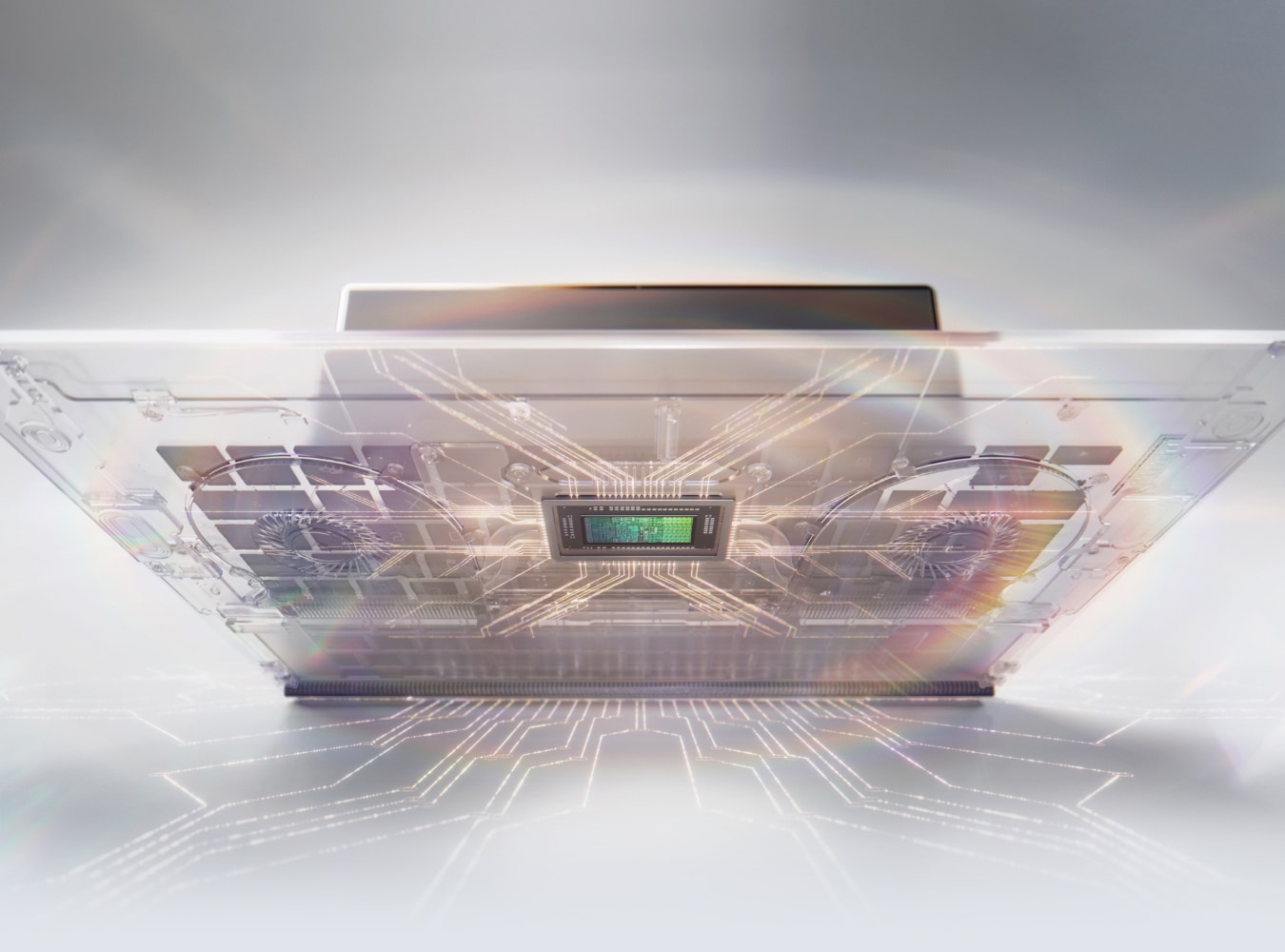
The name invites confusion with NVIDIA’s consumer GeForce lineup, but DGX Spark isn’t a graphics card and isn’t for gaming. It’s a compact desktop box, about the size of a small router, built around a single idea: put a large, unified memory pool that CPU and GPU both share directly on a desk, so a developer can run models that would otherwise need cloud infrastructure.
What the unified memory actually solves
A conventional setup splits memory into two pools: system RAM for the CPU and separate, smaller VRAM for the GPU, with data copied between them. That split becomes the bottleneck for large AI models, where the model itself has to fit in the GPU’s own memory or be split awkwardly across multiple cards. DGX Spark’s 128GB pool is coherent and shared: both the CPU and the Blackwell-architecture GPU address the same memory directly, so a model that needs more than a typical discrete GPU’s VRAM can simply fit, without sharding or heavy quantization.
That’s a real architectural difference, not a marketing restatement of a bigger number. It’s also the entire reason to buy this specific piece of hardware over a discrete GPU: the unified pool is the feature, and everything else about the machine is built to support using it.
What it is not
It has no display output relevant to gaming, no gaming driver stack, and nothing about its design targets frame rates. NVIDIA doesn’t sell it through consumer or laptop retail channels, and it isn’t going into gaming laptops from any manufacturer. It’s a standalone desktop appliance, sold through NVIDIA’s own marketplace and enterprise partners, aimed squarely at AI development.
Networking and storage built for the job
A 200 Gbps ConnectX-7 network connection is a data-center-class spec on a desktop device, included specifically so multiple DGX Spark units can be linked into a small cluster for larger workloads than one box handles alone. The built-in 4TB of self-encrypting NVMe storage matters for the same reason enterprise AI hardware usually ships with it: local models and datasets are often sensitive, and encryption at rest shouldn’t be an afterthought add-on.
Where it belongs
A developer or small team running large local AI models who specifically needs the unified memory architecture, values keeping data and compute on-premises rather than in the cloud, or is building a small multi-node AI cluster using the built-in networking. Not a fit for anyone evaluating it as a graphics card, a gaming machine, or general-purpose desktop hardware; none of that is what this device is built for.
Verdict
Buy it for the specific job it’s built for: large local AI model work that benefits from a genuinely unified memory pool, on hardware that stays on a desk instead of in a data center. It’s a poor fit for anything outside that lane, including gaming, where it was never meant to compete.
🛒 Buy the Gear in This Guide
As an Amazon Associate we earn from qualifying purchases, at no extra cost to you. Prices and availability are shown on Amazon's own product page, not here, since they change constantly.
☕ Coffee Corner
Compiling, deploying, or waiting on a render? Here's what to brew while you wait.



🏠 Smart Home Picks
Same hobbyist care applied to your network and your front door.

