How much power supply do you actually need?
Updated 2026-09-30
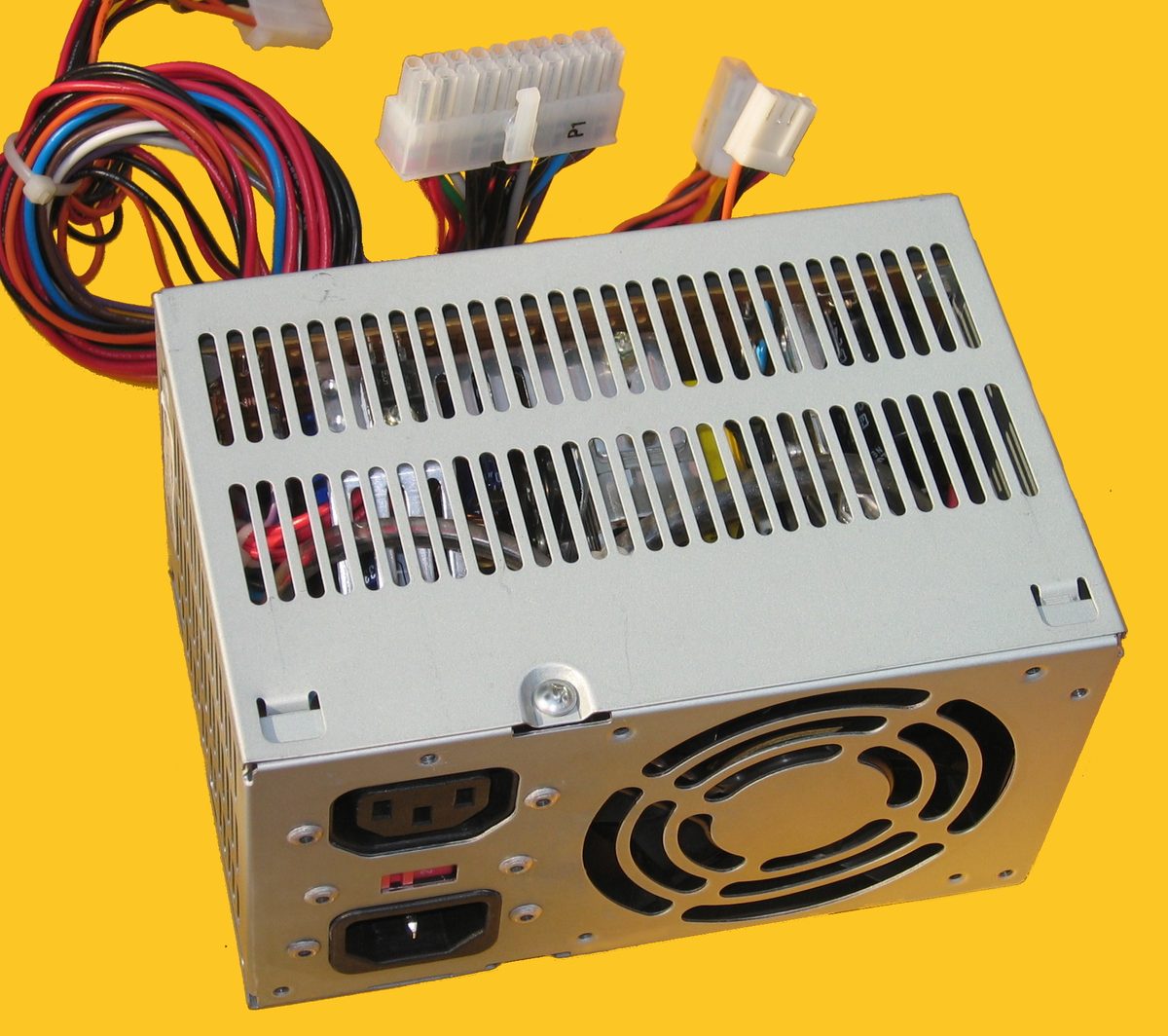
The quick version: add the CPU’s and GPU’s rated power together, add roughly 200W of buffer for everything else in the system, then multiply by 1.2 for safety margin. Round up to the nearest standard PSU size. That number, not the biggest PSU on sale, is the one to buy.
Why the margin isn’t padding
The 20% safety margin isn’t there to make the number look impressive. PSU efficiency drops as it approaches full load, so running one close to its rated capacity constantly wastes more power as heat and ages the unit faster than running it comfortably under that ceiling. The margin also covers something specs don’t show: modern CPUs and GPUs draw brief power spikes well above their steady rated figure under turbo boost, and a PSU with no headroom can trip or shut down under exactly that spike, even though the system’s average draw looks fine on paper.
The margin buys three things at once: room for that spike behavior, room to age gracefully rather than failing early, and room for a future upgrade without a full PSU replacement alongside it.
Roughly sizing a few common builds
An entry-level 1080p gaming build, a modest CPU paired with a card like an RTX 4060, comfortably fits a 550W unit with real headroom to spare. A mid-range 1440p build, stepping up to something like an RTX 4070, is where 750W becomes the sensible, safe choice rather than a stretch. A high-end 4K build running a flagship CPU and GPU together pushes combined draw high enough that 850W to 1000W is the realistic range, and an extreme build adding heavy streaming on top of a flagship GPU can genuinely need 1200W. These are starting points, not a substitute for running the actual formula against the specific parts in a build.
Efficiency ratings, and where the real value stops
The 80 Plus certification program defines the efficiency tiers PSUs are sold under: Bronze, Gold, Platinum, and Titanium, each a step up in how much power reaches the components versus is lost as heat. Gold-rated units sit in the low-to-mid 90s percent efficient and represent a real, measurable step up from Bronze, at a price premium that’s easy to justify. Platinum and Titanium push efficiency higher still, but the returns diminish fast for a typical gaming or workstation build; that extra efficiency matters far more in a data center running thousands of units around the clock than in a single home PC. For most builds, Gold is the point past which paying more for efficiency alone stops making sense.
What to avoid
A PSU with no listed 80 Plus rating at all is a real red flag, not just a missing nice-to-have; efficiency and build quality tend to track together. An unknown brand with no meaningful warranty behind it is a second one: a PSU failing badly enough can damage the components it’s powering, so this is not a place to gamble on an unfamiliar name to save a little money. A price that looks too good for the wattage claimed usually is, and a loud fan under load is often a sign of a cooling design cutting corners elsewhere too. Corsair, EVGA, Seasonic, BeQuiet, and MSI all have long track records in this category and are reasonable starting points to compare.
Modular, semi-modular, or fixed cables
A fully modular PSU has every cable detachable, which makes for a cleaner build and easier cable management since only the cables actually needed get connected. A semi-modular unit fixes the essential 24-pin and 8-pin CPU cables in place while leaving the rest detachable, a reasonable middle ground. A fully fixed-cable unit is the cheapest option and the messiest to route around, since every cable is present whether the build needs it or not. The step up to modular is a modest cost for a meaningfully easier build, and worth it for most people assembling a case they’ll actually open again.
How long a good PSU lasts
A quality Gold-rated PSU run sensibly, with decent case ventilation, kept reasonably free of dust, and not sustained at full load constantly, should last close to a decade. Efficiency and reliability both degrade gradually after that point, which is worth keeping in mind heading into a PSU’s second decade of service, even if it hasn’t failed outright.
Buying checklist
Calculate the system’s real power draw from the CPU and GPU together, add the buffer and safety margin, and round up to the nearest standard PSU size. Buy at minimum an 80 Plus Gold unit from a reputable brand. Confirm the GPU power connectors match what the card actually needs (8-pin versus the newer 12VHPWR-style connectors varies by card), and check the warranty length: several years of coverage is a reasonable baseline for a component this important to get right.
Bottom line
Don’t undersize the PSU to save money elsewhere in the build; it’s the one component a failure in can damage everything else connected to it. A correctly-sized 80 Plus Gold unit from a reputable brand, bought once, outlasts several GPU upgrade cycles. A cheap, unbranded unit sized to the bare minimum is the false economy, not the safer buy.
☕ Coffee Corner
Compiling, deploying, or waiting on a render? Here's what to brew while you wait.



🏠 Smart Home Picks
Same hobbyist care applied to your network and your front door.

