How to choose your first CPU
Updated 2026-09-30
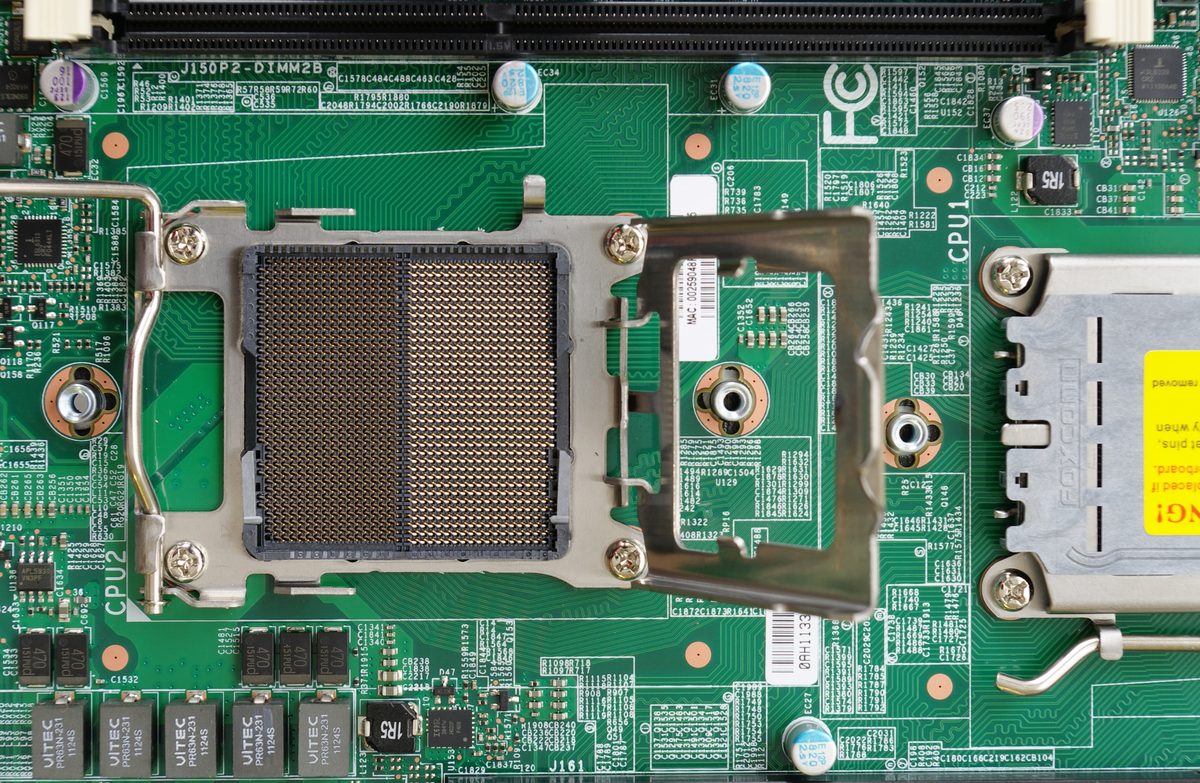
If you’re not sure where to start: 8 cores is a safe, current default for almost any 2026 build. The rest of this guide explains why, and when to go above or below that number.
What a CPU actually does
The CPU runs the instructions that make everything else on a computer happen. Two specs decide most of what matters when buying one: clock speed, how fast each core works through instructions, and core count, how many things the chip can work on at once. Clock speed still matters most for gaming, where a handful of fast threads do most of the work. Core count matters most for anything that genuinely splits across many threads at once: video encoding, 3D rendering, running many containers.
How many cores you actually need
For gaming alone, six to eight cores covers essentially everything on the market today; modern game engines aren’t built to scale usefully far past that, so more cores mostly sit idle during play. Add streaming on top and the calculation changes, since encoding the stream is its own real, ongoing core-hungry task alongside the game itself; a chip in the 12 to 16-core range gives real headroom there. Content creation scales further still: video editing benefits from a smoother timeline and faster renders in the 12 to 16-core range, and 3D rendering keeps benefiting from additional cores well past that, since a render job genuinely splits across however many threads are available. A homelab running containers or VMs usually sits comfortably in the 8 to 16-core range for most setups, scaling up only for a genuinely busy multi-service box.
If none of that describes the build, 8 cores remains the sensible middle ground for a 2026 build.
Intel or AMD
Both companies field genuinely competitive chips today, and the historical single-core-versus-multi-core gap between them has narrowed a lot. Intel’s current flagship, the Core i9-14900K, is rated for up to 253W under turbo load, so it needs a serious cooler and a power supply to match. AMD’s Ryzen 9 9950X draws less power at a 170W default TDP, trading a little single-core headroom for lower running heat and noise. Neither company has a clear, permanent advantage; check current benchmarks for the exact chips under consideration rather than assuming last generation’s gap still holds.
Both current-generation lineups have real options at every budget: entry chips like the Ryzen 5 7600 or Intel’s i3-class parts for basic use, mid-range parts like the Ryzen 7 7700 or i5-class chips for solid 1440p gaming, and flagship parts like the 9950X or 14900K for 4K gaming, rendering, and heavy workstation use.
Key specs explained
TDP (thermal design power) is the heat a chip generates under sustained load, in watts. A higher TDP means the build needs a better cooler and a bigger power supply to actually sustain that chip’s rated performance; a lower TDP runs quieter and cheaper. Check the specific chip’s real rating (not a generic assumption) before sizing a cooler.
Socket is the physical connector the CPU plugs into, and it determines which motherboards are compatible. Intel and AMD use different, incompatible sockets (currently LGA1700 for Intel’s recent desktop chips, AM5 for AMD’s), and there’s no adapter between them. Confirm the exact socket a specific chip and motherboard both use before buying either.
Cache, specifically L3 cache, is fast on-chip memory that reduces trips out to system RAM. More cache generally helps performance, with diminishing returns past a certain point; it matters most in workloads sensitive to memory latency, gaming included.
Common mistakes
Buying far more cores than the actual workload uses is the most common overspend: a 24-core chip does nothing extra for a gaming-only build, and that money is usually better spent on the graphics card instead. Ignoring socket compatibility is the most common build-breaking mistake; confirm the motherboard’s socket before choosing a CPU, not after. Under-budgeting the power supply is a related trap: a high-power CPU plus a demanding GPU adds up fast, and a supply sized for the CPU alone can come up short once the graphics card is drawing its own peak load. And it’s easy to over-index on a single benchmark number; real-world feel depends on the actual workload, and a chip that wins a synthetic benchmark by a small margin often isn’t perceptibly faster in practice.
When to upgrade
A real case for upgrading: the current CPU is several years old, it’s visibly capping frame rates or frame times in games that used to run fine, or the workload itself has changed, for example starting to stream or render regularly on a chip that was never sized for it. A weak case for upgrading: hitting target frame rates already, a chip under a few years old, or nothing specific that’s actually bottlenecked.
Bottom line
Start from the workload, not the biggest number on the spec sheet. Eight cores is a safe, current default for most builds. Go higher only for a workload that genuinely uses more: heavy streaming, content creation, or a busy homelab. Confirm the socket matches the motherboard, and size the power supply for the CPU and GPU together, not the CPU alone.
☕ Coffee Corner
Compiling, deploying, or waiting on a render? Here's what to brew while you wait.



🏠 Smart Home Picks
Same hobbyist care applied to your network and your front door.

